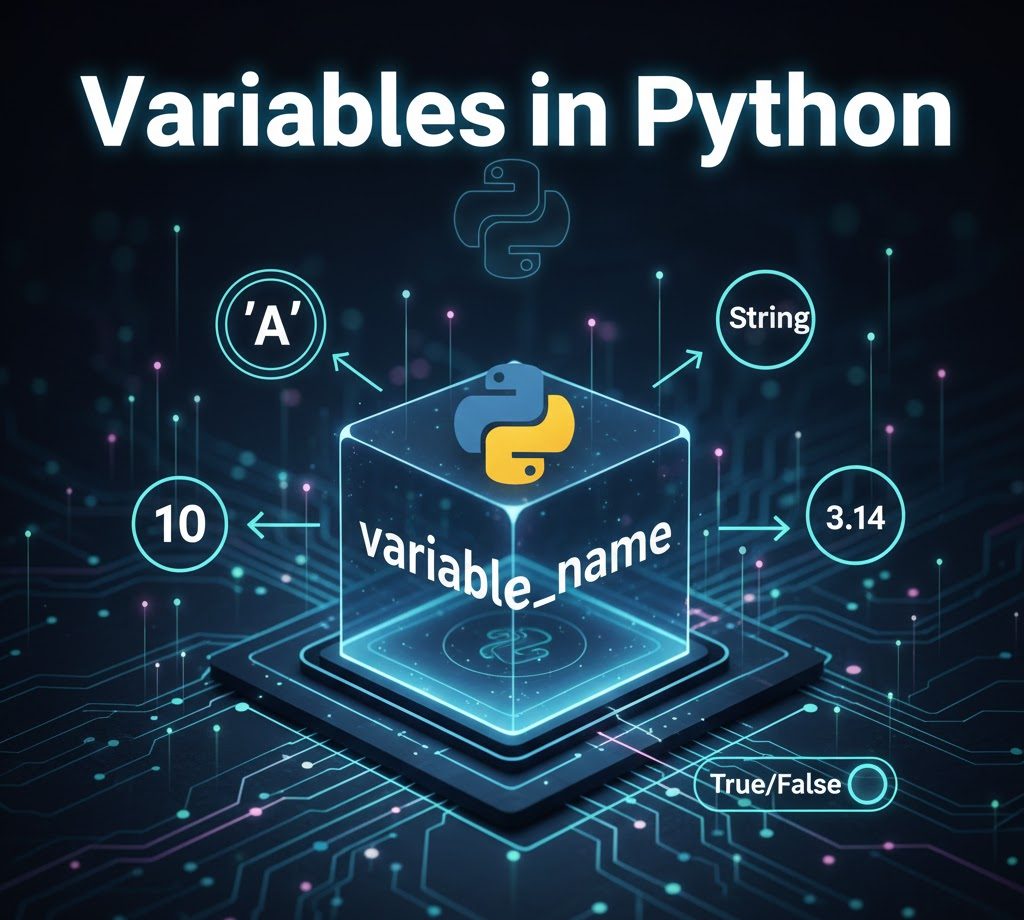
Variables in Python
Variables are one of the most fundamental building blocks in Python programming. They allow programmers to store data, manipulate values, and build flexible programs that can adapt to different inputs and conditions. Without variables, writing meaningful programs would be nearly impossible.
This guide provides a comprehensive introduction to variables in Python, covering definitions, real-life examples, comments, naming rules, data types, variable reassignment, best practices, and the overall benefits of using variables effectively.
Introduction to Python
Python is a high-level, interpreted programming language known for its clean syntax and readability. It is widely used in areas such as:
- Web development
- Data science and analytics
- Artificial intelligence and machine learning
- Automation and scripting
- Scientific computing
One of Python’s strengths is its simplicity. Unlike some languages that require you to specify variable data types explicitly, Python handles this automatically, allowing beginners to focus on logic rather than syntax.
Definition of Variables in Python
A variable is a named memory location used to store data. In Python, variables act like labels attached to values.
You create a variable by assigning a value using the equals sign (=):
age = 25
name = "John"ageholds an integer valuenameholds a string value
Python determines the data type automatically based on the value assigned.
Real-Life Examples of Variables
Example 1: Bank Account Balance
In a banking application, a variable can represent a customer’s account balance:
account_balance = 50000
When the user deposits or withdraws money, the value changes, but the variable name remains the same.
Example 2: Shopping Cart Total
In an online store, the total cost of items can be stored in a variable:
cart_total = 12000As more items are added, the cart total updates dynamically.
Example 3: Login Status
Variables can also store logical (true or false) states:
is_logged_in = TrueThis helps applications determine what actions a user can perform.
Comments in Python (With Examples)
Comments are used to explain code and improve readability. Python ignores comments during execution.
Single-Line Comments
# Store the user's age
age = 30
A single-line comment starts with #.
Python ignores this line when running the program.
It is used to explain what the next line of code does.
Inline Comments
price = 1500 # Price in naira
An inline comment is written on the same line as the code.
It explains the code without affecting how it runs.
Multi-Line Comments
# This section calculates
# the final payable amount
# after discount
total = 4500
Python does not have a special multi-line comment syntax,
so we write multiple single-line comments together.
This is useful when explaining a block of related code.
Comments are especially important in collaborative projects and large codebases.
Rules for Naming Variables in Python (With Examples)
Python enforces strict rules for variable names.
Rule 1: Must Start With a Letter or Underscore
✔ Valid:
username = "admin"
_total = 100
✘ Invalid:
1username = "admin"
Rule 2: Cannot Start With a Number
✔ Valid:
score1 = 90✘ Invalid:
1score = 90Rule 3: Only Letters, Numbers, and Underscores Are Allowed
✔ Valid:
student_score = 85✘ Invalid:
student-score = 85Rule 4: Variable Names Are Case-Sensitive
age = 20
Age = 30
Python treats age and Age as different variables.
Rule 5: Avoid Python Reserved Keywords
✘ Invalid:
def = 10✔ Valid:
definition = 10Best Practices for Naming Variables
Following best practices makes your code cleaner and more professional.
- Use descriptive names:
total_price = 2500- Avoid single-letter names (except in loops):
number_of_students = 40- Use snake_case for readability:
monthly_salary = 200000Variable Data Types in Python
Python supports various built-in data types.
Common Data Types
age = 21                  # int
height = 5.9              # float
name = "Alice"            # str
is_student = True         # bool
Checking Variable Types
print(type(name)) # <class 'str'>Python allows dynamic typing, meaning a variable’s type can change at runtime.
Type Casting Variables
Typecasting means changing a variable from one data type to another.
This is useful because Python does not automatically convert types in many cases.
Sometimes, you may want to convert a variable from one type to another.
Example 1: Converting String to Integer
age = "25"
age = int(age)"25"is a string, not a number.int(age)converts the string into an integer.- After conversion, Python can perform math with
age.
Example 2: Converting Integer to Float
price = 99
price = float(price)99is an integer.float(price)converts it to 99.0.- This is useful when working with decimals, prices, or calculations.
Example 3: Converting Integer to String
number = 10
number = str(number)10is an integer.str(number)converts it to"10"(text).- This is useful when displaying numbers with text or accepting user input.
Why Typecasting Is Important
Typecasting helps you:
- Perform calculations correctly
- Combine text and numbers safely
- Handle user input properly
Python input values are always strings, so typecasting is very common.
Related:
- How to Download and Install Python on Windows in 3 Simple Steps
- How to Download and Install VS Code on Windows
- VS Code Essential Extensions You Need (Mandatory & Optional)
Reusing Variables: Changing What’s in the Container
Think of a variable as a container that holds a value.
You can replace the value inside the container at any time.
score = 60
score = 85- First,
scorestores 60 - Then it is reassigned to 85
- The old value (60) is overwritten
- The variable now holds 85
Updating a Variable Using Its Old Value
Sometimes, you want to change a value based on what it already contains.
balance = 1000
balance = balance + 500balancestarts at 1000balance + 500adds 500 to the current value- The result (1500) is stored back into
balance
You can also write this in a shorter form:
balance += 500This does the same thing and is easier to read.
Why This Is Useful
Reusing and updating variables helps when:
- Writing clean and efficient code
- Tracking scores, balances, or totals
- Updating values in loops and programs
Multiple Variable Assignment
Python allows assigning values to multiple variables at once.
x, y, z = 1, 2, 3This means:
xgets the value1ygets the value2zgets the value3
Each variable receives its value in the same order they appear.
You can also assign the same value to multiple variables:
a = b = c = 0This means:
a,b, andcall store the value0
This is useful when you want to initialize several variables with the same starting value.
Variables and User Input
Variables often store user input in real-world programs.
name = input("Enter your name: ")
print("Welcome,", name)
Python treats input as strings by default, so type conversion may be required.
Here’s what happens:
input()asks the user to type something- The typed value is stored in the variable
name - The program then prints a welcome message using the stored value
Important Note About Input
Python treats everything entered using input() as text (string) by default.
For example:
age = input("Enter your age: ")Even if the user types 25, Python stores it as "25", not a number.
To use it as a number, you must convert it using int() or float().
Benefits of Variables in Python
Variables offer several key advantages:
- Code reusability – Avoid repetition
- Readability – Clear variable names explain intent
- Flexibility – Easy to update values
- Maintainability – Changes reflect everywhere
- Scalability – Enables complex program logic
- Efficiency – Simplifies calculations and conditions
Common Beginner Mistakes With Variables
- Using unclear variable names
- Forgetting variable case sensitivity
- Overwriting important values accidentally
- Mixing data types incorrectly
Being aware of these mistakes helps improve code quality early.
Conclusion
Variables form the foundation of every Python program. They allow you to store information, process data, and create dynamic applications. By understanding how variables work, following naming rules, using appropriate data types, and applying best practices, you set yourself up for success in Python programming.
Mastering variables is not just a beginner skill, it’s a lifelong programming habit that leads to clean, readable, and efficient code.
Receive News Updates and Tutorials Through our Social Media Channels, join:
- WhatsApp: BloginfoHeap WhatsApp
- Facebook: BloginfoHeap
- Twitter (X): @BloginfoHeap
- YouTube: @BloginfoHeap